
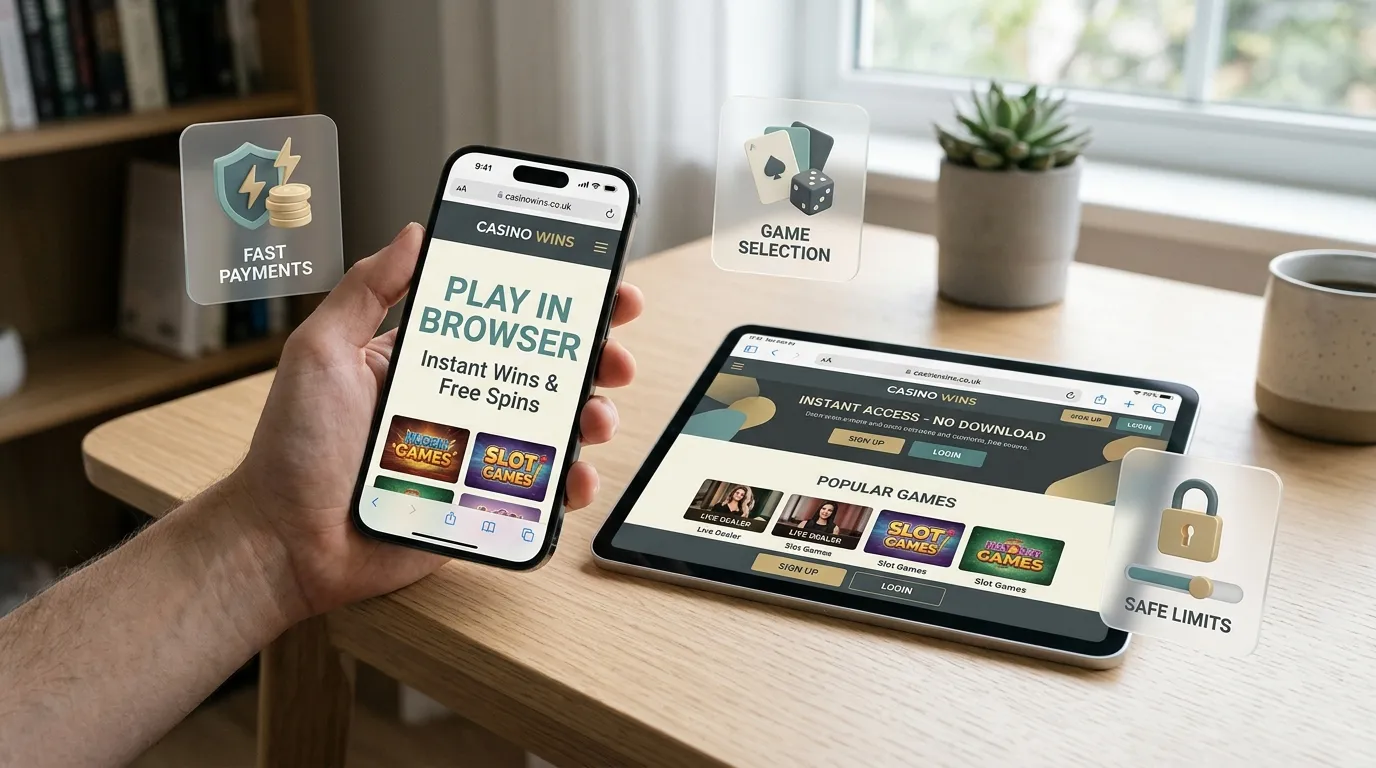
Use Hello Casino through the mobile browser unless the site itself clearly points to an official app route. Current mobile sources support browser play on iOS and Android devices. That matters in the UK because app-store search results can surface similarly named social-casino or sweepstakes apps that are not the Hello Casino account route. The safest mobile path is the official hellocasino.com browser route, followed by the normal account login, cashier check and live-lobby check before depositing.
Hello Casino mobile play works as a browser-first account journey, not as an app-download journey.
App vs browser verdict
The practical verdict is simple: use the mobile website unless Hello Casino itself clearly routes you to an official app. Public mobile sources describe a responsive browser experience and do not confirm a dedicated iOS or Android casino app. A browser-first setup is not automatically a weakness. For many UK casino brands, the mobile browser keeps the same account, cashier, game filters, bonus area and support routes in one place.
The main risk is name confusion. Searching an app store for a short brand phrase can produce unrelated products with similar words in the title. Do not assume an app is official because it contains “Hello” or “Casino” in its name. If an app is not clearly linked from the official Hello Casino account environment, treat it as unrelated and do not enter casino account details there.
Mobile user journey checklist
Most mobile issues are not caused by the phone itself. They come from using the wrong route, missing account verification, misunderstanding payment method matching, or expecting desktop-sized lobby information on a small screen. Use the checklist below before relying on mobile play as your main route.
| Step | Mobile check | Why it matters |
|---|---|---|
| Route | Use the official browser path and avoid app-store lookalikes. | The UKGC register links www.hellocasino.com with White Hat Gaming Limited, while unrelated app results can use similar wording. |
| Login | Keep password reset, activation and re-opening steps inside the official account route. | The account access guide explains what to do if a phone sign-in fails. |
| Games | Check the live lobby filters for slots, table games, bingo and live-casino content. | Hello Casino has a broad game mix, but no fixed game count is used. |
| Bonus use | Read the offer page and account messages before depositing from a phone. | The UK offer structure can differ from older non-UK bonus claims, so the bonus overview is the better detail page. |
| Deposits | Confirm the visible cashier methods in your account before choosing a payment route. | Hello Casino lists Visa, Mastercard, Paysafecard, Skrill, Neteller and Bank Transfer as general deposit methods, with country-specific options shown in the cashier. |
| Withdrawals | Expect the withdrawal page to reflect methods used for deposits, with Bank Transfer as a fallback in some cases. | Mobile banking convenience does not remove method matching, review or verification checks. |
| Limits and support | Set financial limits before first deposit and keep Live Chat or email support accessible. | UKGC rules require online operators to prompt customers to set a financial limit before first deposit. |
Using iPhone, iPad and Android browsers
For everyday use, the key device test is whether the site keeps account, cashier and game navigation readable on a smaller screen. Current mobile sources support browser play on iPhones, iPads and Android devices, so the decision should depend on how you personally use the site rather than whether a separate app exists.
On a phone, start with the basics: bookmark only the official route, avoid public Wi-Fi for account and payment activity, keep the browser updated, and close sessions when you finish. If an activation link, password reset or support reply arrives by email, open it carefully and check that it points back to the official account environment. If the link looks unusual, return to the site manually instead of tapping the message.
Games and live casino on mobile
Hello Casino’s public game references cover slots, table games such as roulette and blackjack, bingo and live-casino style content, with other sources also listing video poker, scratch-card style content and jackpots. On mobile, that variety is useful only if the game lobby lets you find the category quickly, load the game cleanly and read the rules before staking.
For slots, check the game info screen before you play, especially if you are using bonus spins or a promotion. For live casino, connection stability matters more than a decorative interface. A live table can be frustrating on a weak connection because decisions are time-sensitive. Use the Hello Casino games page for the wider category map and the dedicated live-casino page if you want a deeper look at streamed games.
Mobile deposits and withdrawals
The mobile cashier is the source of truth for your account. Hello Casino lists Visa, Mastercard, Paysafecard, Skrill, Neteller and Bank Transfer as general deposit methods, but country-specific choices are shown inside the casino cashier. Do not register only because a third-party review names a payment method. Check what your own account shows before sending money.
Payment method choice also affects later withdrawals. Hello Casino’s withdrawal route generally follows the methods used for deposits, and Bank Transfer is shown when a deposit method cannot be used for withdrawals. A phone can make payments feel quicker, but it does not bypass verification, method ownership checks or account review. Use the UK deposits guide for the deposit side and the withdrawals guide if payout timing is the main concern.
Security and app-name safety
The safest mobile setup is boring: official browser route, current operating system, current browser, private device, strong password and no copied app links. Do not save casino credentials on a shared phone. Do not enter account information in a social-media browser or a page opened from an advert if the address looks different from the official route.
If you see an app that claims to be connected with Hello Casino, verify it from the official site before doing anything else. If there is no official route to that app, treat it as separate. The main Hello Casino UK review explains the operator and UKGC domain context, while the mobile page’s job is to keep phone use practical and low-risk.
Who mobile play suits
Mobile browser play suits players who want quick account checks, low-friction game browsing and the option to use the same account on desktop later. It is less suitable if you need large comparison tables, long bonus terms or detailed document upload checks on a small screen. For those tasks, a desktop or tablet can reduce mistakes.
The strongest mobile use case is checking the lobby, reading support messages and managing limits before play. The weakest use case is rushing a deposit or withdrawal while distracted. If the page is hard to read, the payment method is unclear or a document request appears, pause and use a larger screen.
Run a small mobile test before relying on phone play
Mobile play should be tested before it becomes the main way you use the account. Open the site through the browser you normally use, sign in, find the cashier, open the bonus area, load a game and check live chat access. Do this with a low-pressure session rather than during a withdrawal problem or bonus deadline. A phone that feels fine for browsing can still be awkward for account controls, table games or document uploads.
Pay attention to practical friction. If the lobby search is hard to use, if the cashier requires repeated zooming, or if support chat covers important buttons, that matters. A mobile casino does not need a native app to work well, but it does need readable account controls and a clear path back to the cashier, limits and support.
- Before depositing: check login, cashier visibility and bonus terms on the phone.
- Before live play: test stream stability and table controls on the same connection.
- Before verification: confirm that document upload works, or switch to desktop for clearer files.
- Before a withdrawal: make sure you can read status messages without missing prompts.
Mobile security habits
Use a private, locked device for gambling accounts. Avoid saving passwords on shared phones, and do not sign in through public Wi-Fi when payment or document information may be involved. If the browser asks to remember card or account details, think about who else can access the device before accepting. Convenience is not worth losing control of the account.
If a page or app listing uses the Hello Casino name but does not match the official domain route, step back. Search results and app-style adverts can imitate gambling brands. The safest routine is to bookmark the official site after checking it once, then return through that bookmark rather than through a fresh search every session.
When desktop is the better choice
Mobile is convenient for browsing, checking balances and short sessions, but desktop can be better for verification, long support chats and reading detailed terms. Use the device that gives you the clearest view of the task. A larger screen can reduce mistakes when documents, payment details or bonus conditions need careful reading.
FAQ
Does Hello Casino have an official UK app?
Can I play Hello Casino on iPhone or Android?
Can I deposit from my phone?
Is mobile live casino a good idea?
Material created by the team Hello Casino