
Do not enter account details on third-party login pages, copied adverts or unofficial forms. To access a Hello Casino account safely, use the official hellocasino.com route and check that the page is not a mirror or lookalike. The UKGC public register lists www.hellocasino.com as active under White Hat Gaming Limited, and Hello Casino support pages state that the brand is managed by White Hat Gaming Limited. Use official password-reset, activation and account-support routes if access fails.
Safe account access starts with the official route, careful email checks and the correct support path.
Troubleshooting Locked Accounts and Passwords
A high-intent search such as hello casino login can be risky because phishing pages and aggressive ads often target users who are ready to type a password. This site is an editorial resource for UK readers. It will not ask for your username, password, documents, bank details or two-factor information.
Use the Hello Casino UK review for the broad operator assessment. For access problems, keep every step inside the official Hello Casino route and close any page that asks you to send credentials by email, message or chat outside the account area.
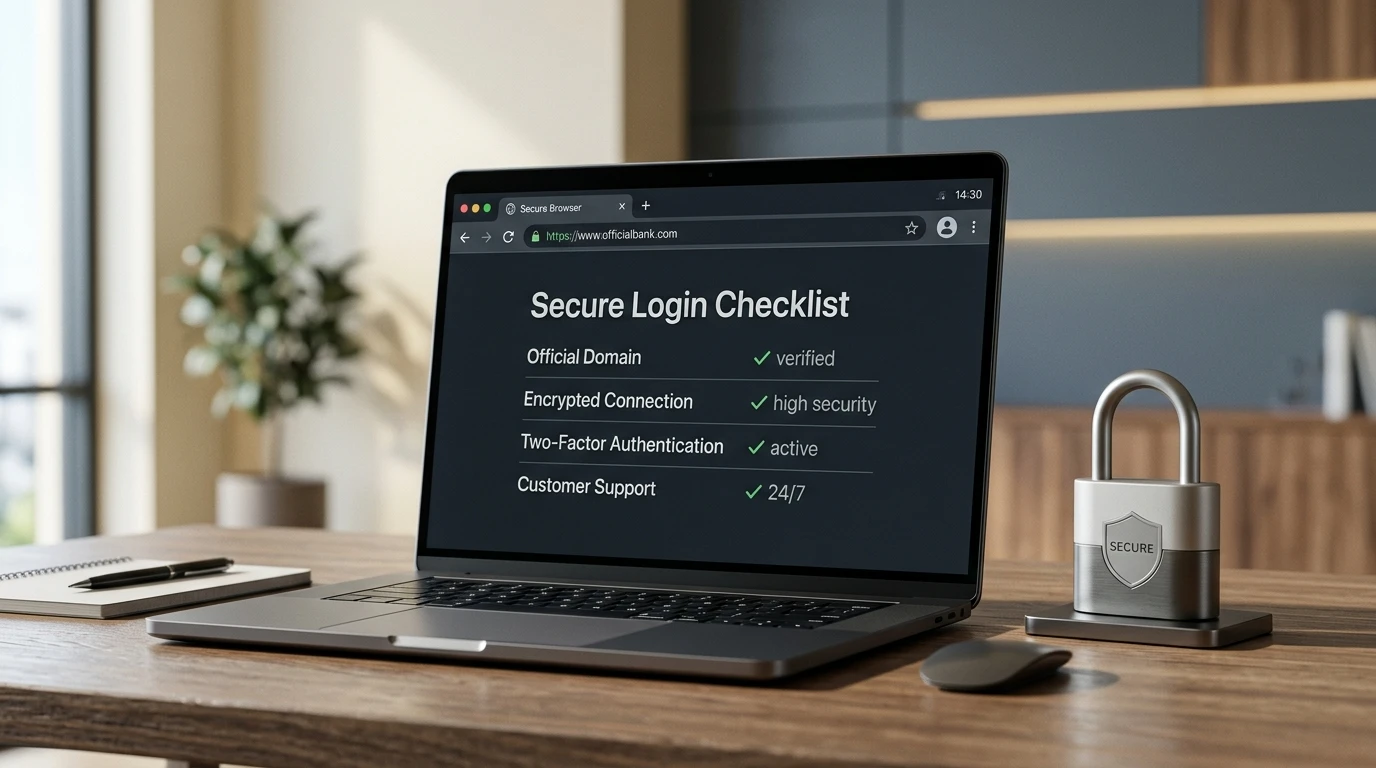
Official route checklist before signing in
Before entering account details, make the same checks every time. A login page is a security surface, not just a shortcut back to the cashier.
| Check | What to look for | Why it matters |
|---|---|---|
| Domain | Use hellocasino.com and avoid copied domains, spelling changes or social-media links. | The UKGC domain register links www.hellocasino.com with White Hat Gaming Limited. |
| Page behaviour | Do not use a page that asks you to send credentials to a person or paste document images into chat. | Real account access should keep sensitive information inside the official site flow. |
| Email links | For activation or password reset, use the current official email or Help Center route. | Old promotional emails and copied reset links can lead to the wrong destination. |
| Device | Prefer your own device and a trusted network for login. | Shared devices increase the chance of saved-password, session and browser-history exposure. |
Forgotten password or reset link
Hello Casino’s official Help Center has an account article for forgotten passwords and routes the reset through an official Hello Casino reset link. Use that route rather than a third-party article that embeds its own form or tells you to send a password to support. Support can help with access issues, but no legitimate support interaction should require you to disclose your current password.
If you requested a reset and nothing arrives, check the email address used at registration, then search spam and junk folders for Hello Casino. Do not request multiple resets through different websites; use one official route and keep the process traceable.
Unable to log in after registering
Hello Casino’s account-access article says that if you successfully registered but cannot log in, the issue can be connected to account verification. The same article tells players to search email spam and junk folders using the casino name for the activation link sent by the casino. If activation still fails, it directs players to Live Chat for assistance.
This is where login and verification overlap. Do not keep changing personal details to force access. If the account needs identity, address or payment evidence, follow the document route covered in the KYC guide. The parent Hello Casino account guide explains how registration, limits and account controls fit together.
Locked, closed or re-opened accounts
The official Help Center article on re-opening an account gives a short instruction: contact customer support through Live Chat. Keep the request simple and accurate. State the access issue, use the email address on the account and wait for support to tell you which next step applies.
Do not create a second account to get around a locked account, closed account, self-exclusion, verification request or failed login. That can make the account review harder and can conflict with UK safer-gambling controls. If the closure relates to gambling harm, treat it as a safety signal rather than a technical problem to bypass.
Support routes and languages
Hello Casino support is available through Live Chat and email. The official Help Center also shows language options for English, German, Spanish, Finnish, French (Canada), and Portuguese (Brazil). UK readers should normally use English unless the Help Center or support conversation directs otherwise.
Use support for account-specific problems such as activation, a locked account, a re-opening request, a missing password reset or a verification prompt. For general decision research, use the editorial pages instead. The reputation and complaints page explains how to read player comments without treating every public complaint as a verified access problem.
Mobile access and browser play
Mobile-browser access is the safer route on a phone. Avoid lookalike app listings, APK downloads and social-media pages that claim to be easier than the official site.
The Hello Casino mobile page covers app and browser play in more detail. For login security, the practical rule is narrower: bookmark the correct official route, keep your device locked, do not save credentials on shared devices and log out before handing the phone to someone else.
Access-problem triage
Use this decision path before contacting support. It keeps the issue clear and reduces the chance that you send the wrong evidence.
- If the URL looks wrong, close it and restart from the official domain.
- If the password is the issue, use the official reset route and do not share the current password.
- If activation is missing, search spam and junk folders for the casino name.
- If the account says verification is needed, prepare documents rather than trying repeated logins.
- If you want to re-open an account, contact Live Chat through the official Help Center route.
- If the issue involves a withdrawal, keep records and read the verification page before escalating.
Login troubleshooting in the right order
Most access problems are easier to solve when you work through them in a fixed order. First, confirm the domain and open the login page directly. Second, check the email address used at registration, including spelling and any older inbox you may still use for gambling accounts. Third, try the password reset route once and wait for the email instead of sending repeated reset requests. Several reset emails can make it unclear which link is still valid.
If the reset link does not arrive, check spam, promotions, blocked senders and mailbox storage before assuming the account is closed. If an activation email is the issue, use the activation route rather than opening a second account. A duplicate account can create a verification problem and may complicate bonus eligibility or withdrawals. The safer approach is always to recover the existing account.
- Open the official domain and avoid search ads that copy the brand name.
- Use the email address originally registered on the account.
- Request one password reset and use the newest email only.
- Clear stale browser sessions or try a private window if the page loops.
- Contact support with the account email and a short description if the route still fails.
Device and browser checks that solve simple access issues
Phone and desktop browsers can hold old sessions, cached pages or incomplete form data. If the login page refreshes without signing in, close other casino tabs, clear the saved form entry and reload the official page. On mobile, check that the browser is not blocking every pop-up or redirect, because some account messages may need a normal browser hand-off. On shared devices, sign out after use and do not let the browser save casino passwords unless the device is private and protected.
Security checks can feel inconvenient, but they protect account funds and personal details. If the login issue appears after a password change, email change, address update or withdrawal request, treat it as an account-security matter. Keep the message to support factual: what changed, when it changed and which route failed. Avoid sending full card numbers, full bank details or unnecessary document images until the support route specifically asks for them.
Information to prepare before asking for help
When support is needed, prepare the account email, the device used, the browser, the exact message shown on screen and the time the problem happened. Do not send passwords or full payment details. A precise access note helps support separate password, activation, security and account-status issues.
Do not solve login problems with a new account
Creating a second account can make a simple access issue harder. It can confuse eligibility, identity checks and payment ownership, especially if the same person, device or payment method appears on more than one profile. Recovery is the safer route: use password reset, activation help and support before considering any new registration. If support confirms that an old account cannot be used, keep that confirmation for your records.
Keep one clear access record
Keep a private note of the email address used for the account, the date of any password change and the support route used for recovery. Do not store the password itself in an unsafe place.
FAQ
Can I log in through this site?
What should I do if I forgot my Hello Casino password?
Why can I not log in after registration?
How do I re-open my account?
Material created by the team Hello Casino